
Find a channel for the moment.
Browse international TV, news, entertainment and live sport from one channel guide.

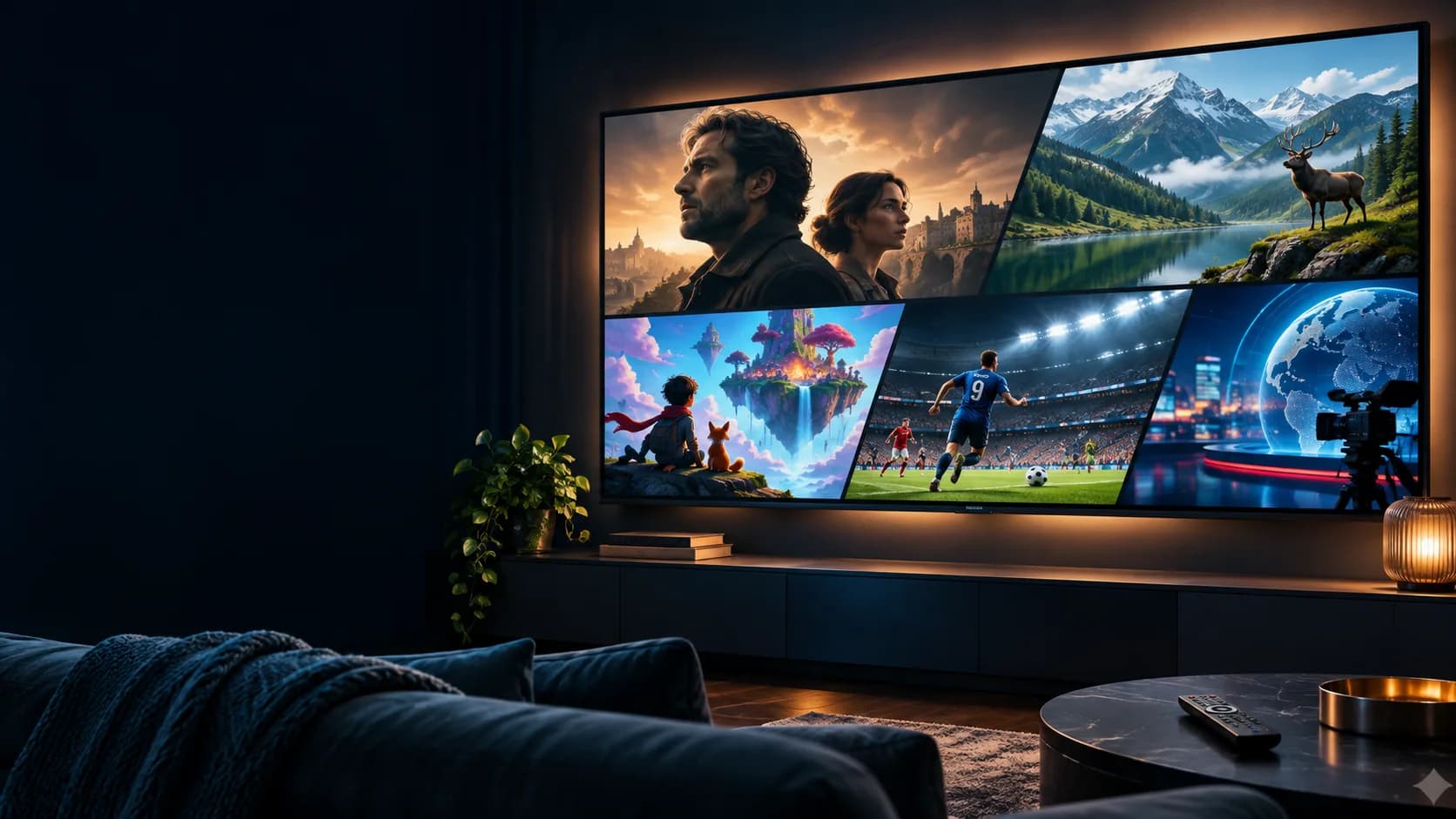
Live TV · movies · series · sports
Live TV, films, series and sports in one place, on the screens you already use. Keep your other apps for their exclusives; make StreamWest the home for everything else you love to watch.
01 One place for TV nights and game nights
02 Watch on TV, phone, tablet or computer
03 One time payment for your chosen period
Why StreamWest
Choose a plan once, get the details for your screen, and move between live TV and on demand viewing when you feel like it.
Browse international TV, news, entertainment and live sport from one channel guide.
Explore a large on demand library across genres and languages. Ask us about a specific title before ordering.
Use a browser or a compatible player on a TV, streaming device, phone, tablet, Windows PC or Mac.
Follow the device guides or contact support with your order reference when you need a hand.
Choose your mood
Start with what sounds good. Switch between live channels, movies, series and sport to see where StreamWest fits into your day.
The world, on now
Move from news and music to international entertainment and live events without changing your setup.
There's always something on.Beyond the live guide
A big night in should be easy. Explore films and series across genres and languages, then switch back to live TV whenever you want.
From adventure and comedy to family viewing and late night drama.
Browse stories from around the world on a screen that suits you.
News, music, international entertainment and channels from home.
Specific titles and channels change. Ask us to confirm availability before ordering.
Explore movies & seriesWatch your way
From the living room to the train ride, choose a device and follow the matching setup guide after your login arrives.

Use a compatible IPTV player and the setup details from your email.
View setup guide ↗Watch in your browser or use a player for your TV catalog.
View setup guide ↗Open the browser experience or add your playlist to a desktop player.
View setup guide ↗Take live channels, films and series to a larger portable screen.
View setup guide ↗Choose the iPhone or Android guide for your device.
View setup guide ↗Connect a compatible player on Android TV or Google TV.
View setup guide ↗Device names and logos identify compatibility only. StreamWest is independent of Amazon, Microsoft, Apple and Google. Player availability depends on your device and region.
Getting started
The checkout and setup happen in three clear steps. You can check the guides before you buy.
Pick a one time plan and enter the email address where you want your access details sent.
Finish checkout. Once the payment is confirmed and your account is activated, we send your login details by email.
Open StreamWest in your browser or use the matching setup guide for your TV, phone, tablet or computer.
What viewers ask us
These are the things worth checking before checkout. We would rather help you find the right setup than leave you guessing.
Use a compatible player on Fire TV Stick, Android TV, or Smart TV. Our device guides show the steps.
See setup guides ↗Yes. Availability changes, so ask support about a specific channel, film, series or event before buying.
Ask support ↗After confirmation and activation, we email your login details and a guide for your device.
Read the FAQ ↗Have you used StreamWest? Send us your honest review. We publish customer feedback only with permission.
Your entertainment mix
Netflix, Disney+ and Prime Video each have their own exclusive libraries and subscriptions. StreamWest is a separate service for live channels, sports, movies and series. There is no affiliation with those providers.
Ask what's availableFor the big moments
Football, NBA, NFL, tennis, motorsport and more have a home in our sports hub. Browse upcoming fixtures and find the channels covering them.
Explore live sports THE SPORTS HUB ↗
For adults only
StreamWest has an 18+ category with approximately 800–1,000 adult channels where permitted. Availability can vary by region and plan. Contact support to check what is available or ask about excluding this category.
Pick your period
Choose the length that works for you. Pay once for the selected period, then get your setup details by email after activation.
Choose your screens
Each device gets its own player username and password by email after payment and activation.
1 month
€14.00
One time payment · 1 device
3 months
€32.00
One time payment · 1 device
6 months
€50.00
One time payment · 1 device
12 months
€65.00
One time payment · 1 device
The total for each payment method is shown at checkout. Uptime is a service target; catalog availability can vary.
The details
Questions about what is included, setup, or how your account arrives? Start here.
Your plan includes a broad catalog of live TV channels, movies, series, and sports. Titles, channels, quality, and availability can change by region and device, so ask support about anything specific before buying.
No. Netflix and Disney+ are separate services with their own subscriptions and exclusive libraries. StreamWest offers its own live TV and on demand catalog and is not affiliated with either provider.
Yes. Browse upcoming matches, leagues, and channels on our sports page. Exact coverage depends on the event, broadcaster, and your location.
You can use a compatible TV, streaming device, phone, tablet, or computer. Our setup guide walks you through the connection steps for each device.
An 18+ category with approximately 800–1,000 adult channels is available where permitted. Availability varies by region and plan. Contact support if you need to confirm or exclude it.
After your payment is confirmed and your account is activated, the login and setup instructions are sent to the email address you entered at checkout. Contact support if the message does not arrive.
No. You pay once for the period you choose. We do not automatically charge you again when that period ends.
You can set up compatible devices, but simultaneous viewing depends on the access included in your plan. Check your plan details or ask support before ordering if you need multiple screens at the same time.
Start with the device guides on our setup page. If you get stuck, contact support with your order reference and tell us which device and app you are using. Keep your password private.
The Terms of Service and Privacy Policy are linked at the bottom of this page. Please read them before ordering, and contact support if anything is unclear.
Your next night in
Live TV, films, series and sports are waiting. Find a plan and get comfortable.
See all plans